Omni 2 AI Video Generator for DTC Brands
TL;DR: Omni 2 AI is best for DTC brands that need product identity, scene context, and visual quality to stay consistent across every frame.
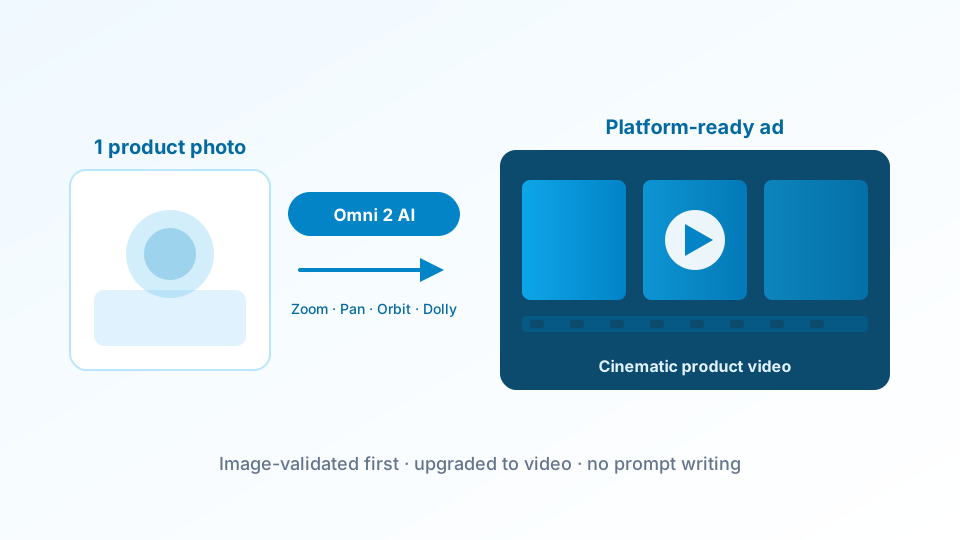
TrendVis uses this second-generation multimodal video model to create high-fidelity product videos for DTC brands. The 6-step creative workflow handles all direction and prompt construction, so you get a finished ad without writing a single prompt.
It is known for cross-modal consistency and scene-level coherence — qualities that matter for DTC brands where the product needs to look exactly right in every frame, across every format, without visual drift or inconsistency.
What Is the Omni 2 AI Video Generator?
Omni 2 is the second generation of the Omni multimodal AI model, designed for coherent video generation across diverse input types. Version 2 significantly improves on its predecessor in terms of visual consistency, product identity preservation, and output resolution — making it a strong choice for premium product video that needs to hold up at every frame.
What distinguishes it from single-modal video models is its ability to reason about the product and scene together — producing output where lighting, scale, and product detail stay coherent throughout the full clip. TrendVis integrates it alongside other leading models, selecting it when scene accuracy and cross-modal consistency are the priority. You can see example outputs here before getting started.
Cross-Modal Consistency
Product identity · Scene coherence
Maintains accurate product representation across the full video clip — no color drift, shape distortion, or identity loss from the first frame to the last.
High-Resolution Output
Up to 1080p · Broadcast-ready
Generates video at a resolution and quality level that holds up in paid placements, broadcast formats, and large-format display — not just for social feed compression.
Scene-Level Reasoning
Context · Lighting · Proportion
Understands the relationship between product, environment, and lighting — producing scenes where the product exists naturally rather than composited awkwardly onto a background.
How TrendVis Uses This Model for Product Video
The model's scene reasoning capability is most effective when the creative direction is specific rather than open-ended. TrendVis provides that specificity through its structured 6-step workflow — giving the generator the precise context it needs to produce output that matches your brand and product exactly.
Product Briefing & Trend Context
Product identity · Audience · Platform format
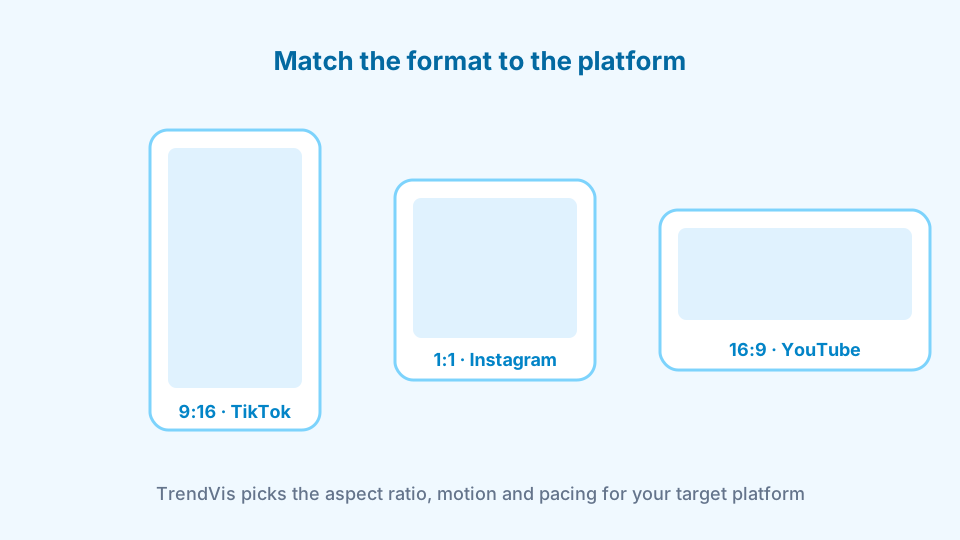
Define your product, its key features, target audience, and the platform you are publishing to. TrendVis maps this to current content trends in your category — ensuring that what the generator creates is grounded in what's performing, not what looks generically appealing.
The model benefits from precise product context. This step ensures it has everything it needs to maintain visual coherence from the first frame to the last — including brand color, product shape, and scene environment.
6 Creative Angles + Image Validation
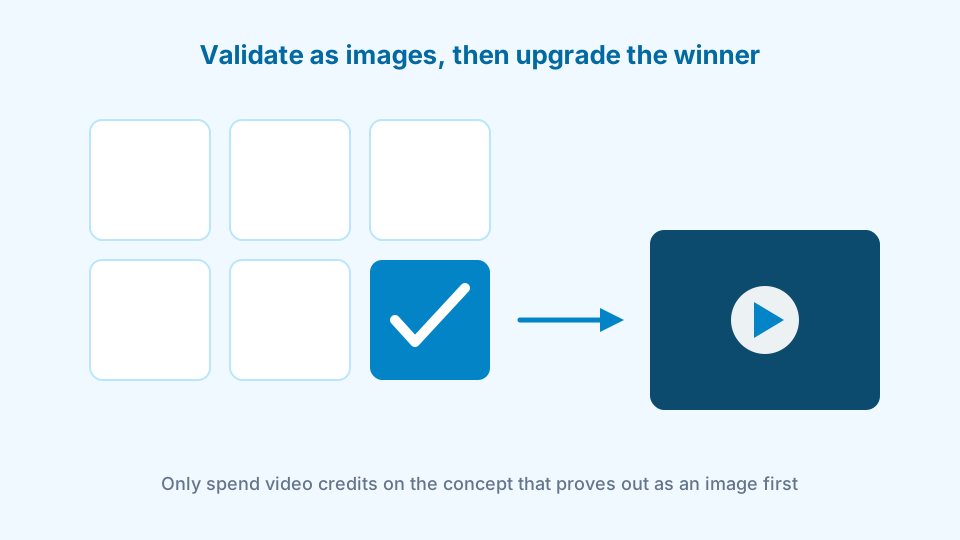
6 directions · Scene-accurate images · Select the winner
TrendVis generates 6 creative angles tailored to your specific product and goal. Each angle is rendered as a static image using the same visual consistency standards the video model applies to motion output — so you are evaluating quality, not a rough placeholder.
Only upgrade the direction that best matches your creative vision and brand standard. See how the credits system works.
Video Output & Export
Full video generation · Consistent output · Download-ready
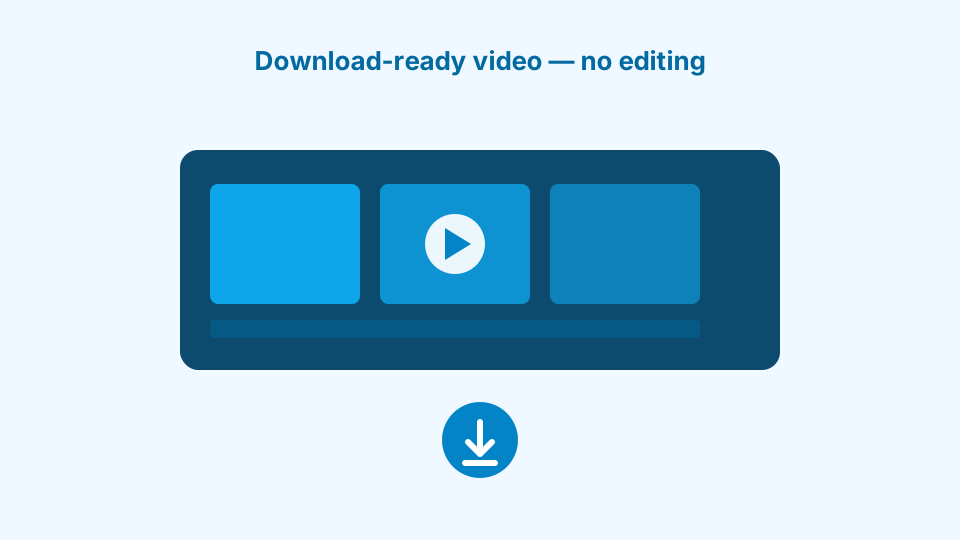
TrendVis sends the validated concept and all relevant product context to the generator. It creates a high-fidelity product video with consistent visual identity throughout — ready to download and deploy into your ad workflow or social calendar.
No editing, no post-production, no additional tools required. Open the TrendVis studio to generate your first video free.
When to Use This Model for DTC Product Video
Its cross-modal consistency makes it the right choice when scene accuracy and product identity are non-negotiable. Here's where it delivers the most value for DTC brands.
Premium Jewelry & Accessories
Best FitRings · Necklaces · Watches
Jewelry demands exact color, material, and scale accuracy in every frame. The visual consistency engine ensures each gemstone, metal finish, and product detail looks correct throughout the full clip.
Skincare & Cosmetics
PrecisionSerums · Creams · Makeup
Premium beauty brands can't afford visual drift. The model maintains product packaging detail, color accuracy, and brand identity from frame to frame — producing beauty video that looks premium and accurate.
Home & Lifestyle
ContextCandles · Ceramics · Decor
Home products rely on scene context — the environment around them communicates lifestyle and aspiration. Its scene reasoning produces product-in-context video where the surrounding environment feels naturally right.
Hero Brand Content
Brand QualityCampaign · Launch · Brand film
When one video needs to represent the brand across paid, organic, and editorial placements, visual quality and consistency are paramount. This route delivers the coherence that hero content demands.
Who Gets the Most Value from This Workflow
Visual consistency and scene accuracy matter most to teams where quality is a brand requirement, not a nice-to-have. Here's who benefits most from this combination.
Brand Managers
All channels · Campaign · Retail
Challenge: Brand guidelines require visual consistency across every piece of content. Most AI video tools produce output that varies too much between clips for brand standards.
With TrendVis: Cross-modal consistency enforces visual coherence across all output. Use TrendVis to generate video that matches your brand's visual standard reliably and at volume.
Premium DTC Brands
Shopify · Wholesale · Meta
Challenge: A premium product price point requires premium video quality. Low-quality AI output actively damages conversion rates and brand perception at the point of purchase.
With TrendVis: Generate video at a quality level that justifies a premium price point — accurate product detail, coherent scenes, and consistent output that builds purchase confidence.
Creative Directors
Campaign · Launch · PR
Challenge: Creative campaigns require multiple video assets across formats and placements. Producing them with consistent visual quality is time-consuming and expensive at traditional production rates.
With TrendVis: Generate consistent video across formats in a single TrendVis session. The model's output coherence means assets across different formats still look like they belong to the same campaign.
Open TrendVis Studio and generate your first video free — no credit card required.
Frequently Asked Questions
For pricing details, see the full plans page.
What is Omni 2 AI best for?
Omni 2 AI is best for product videos where scene coherence and product identity consistency matter across the full clip. It is a strong fit for jewelry, cosmetics, premium lifestyle products, and hero brand content.
How does TrendVis use Omni 2 for product video?
TrendVis integrates the model within its 6-step DTC creative workflow. You define your product and goal, receive 6 creative directions grounded in trend data, validate each as a low-cost image, then upgrade the winning concept to a full video — with no prompt writing required.
What product categories work best with Omni 2?
It performs particularly well for jewelry, cosmetics, premium lifestyle products, and any category where scene-level context and product identity need to remain consistent throughout the video. Its cross-modal coherence makes it a strong choice for brands where product accuracy is non-negotiable.
How does Omni 2 compare to other AI video models on TrendVis?
Each model in TrendVis has different strengths. This one is optimized for cross-modal consistency and scene coherence. Kling AI is strongest for cinematic motion. Hailuo AI excels at material and texture realism. Luma AI Dream Machine leads on camera control. TrendVis selects the right model based on your brief.
Explore More AI Video Models on TrendVis
TrendVis supports multiple generation models — each with different strengths depending on your product type and creative goal.
Start Creating Consistent Product Videos
Try TrendVis free — 10 image generations and 2 video upgrades included. No credit card required.
Get Started FreeRelated models / Compare
Next pages to crawl from Omni 2 AI
Compare adjacent AI models, then return to the complete model hub when you need the full TrendVis map.