Kling AI Video Generator for DTC Brands
TrendVis uses the Kling AI model to turn product photos into scroll-stopping video ads. No prompting skills required — the built-in 6-step creative workflow handles direction automatically, so you go from raw product asset to a finished ad in minutes.
Whether you're running paid ads on Facebook, publishing organic content on TikTok, or refreshing your brand's Instagram feed, TrendVis is built for DTC teams who need fast, high-quality video output without a production budget or video editing background.
The Kling AI model is integrated through its official API — same generation quality as the native platform, with a structured workflow layered on top that replaces guesswork with repeatable creative process.
What Is Kling AI?
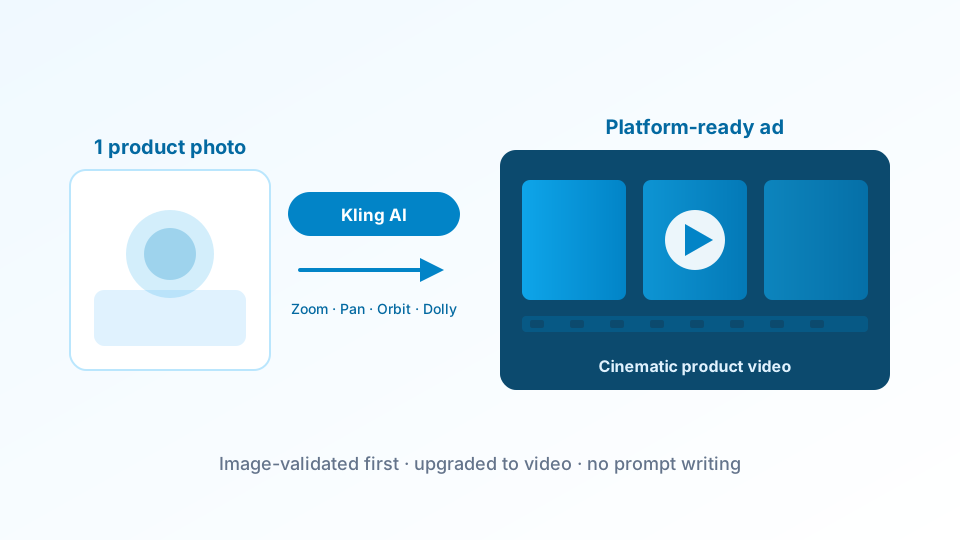
Kling AI is an advanced video generation model built by Kuaishou, one of China's largest short-video platforms. It produces fluid, physics-accurate motion from a single image or text prompt — making it one of the most capable tools available today for product videos and social ad creatives.
Unlike older text-to-video tools, the Kling AI model handles realistic object movement, natural lighting transitions, and camera path simulation — qualities that matter when you're creating content meant to drive conversions, not just impressions.
It's used by brands across beauty, fashion, food and beverage, and lifestyle categories — wherever material texture, motion quality, and visual consistency matter for the final ad. You can browse example outputs here before getting started.
Cinematic Motion
Physics-accurate rendering
Physics-accurate video motion that looks like real footage — not slideshows. Ideal for product reveals, unboxings, and lifestyle brand shots.
Image-to-Video
Single photo → full video
Upload a product photo and the model brings it to life with natural camera movement, subtle object motion, and scene animation.
Fast Turnaround
Ready in under 3 minutes
Get a finished product video quickly, ready to post on TikTok, Instagram Reels, or run directly in paid ad campaigns.
How TrendVis Turns Kling AI Into a DTC Video Workflow
Most platforms give you raw model access and leave you to figure out the rest. TrendVis adds the creative strategy layer — so you arrive at a finished, brand-aligned ad without writing a single prompt from scratch.
The full process follows a structured 6-step workflow that takes you from defining your product goal to a downloadable video asset — with image testing built in at the midpoint to validate direction before you spend credits on generation.
Define Your Product & Goal
Platform · Audience · Objective
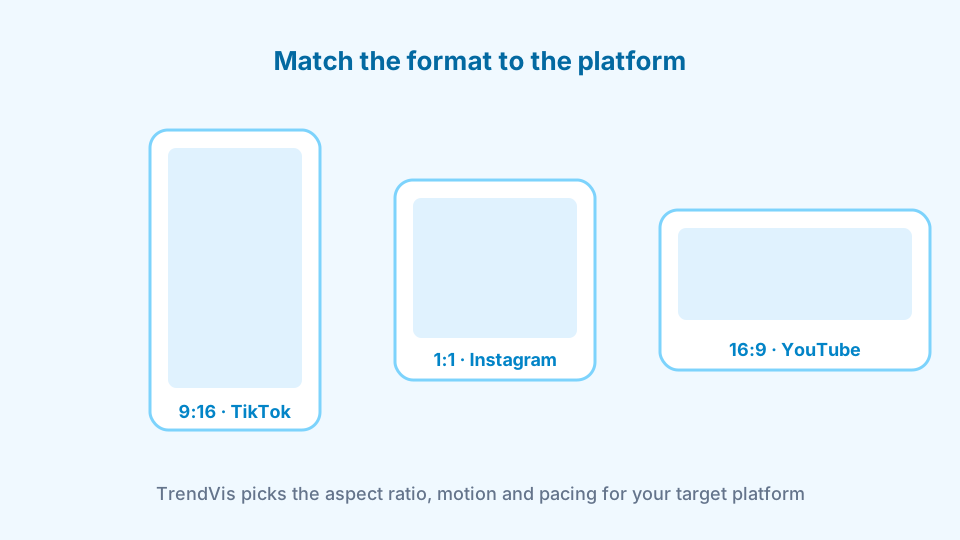
Start by telling TrendVis what you're selling, who the target audience is, and which platform the video is for — TikTok, Instagram, Facebook, or YouTube Shorts. This context shapes everything: the motion style, pacing, visual tone, and aspect ratio of the final output.
This first step is what separates a purposeful video ad from a generic animation. The more specific your goal, the more precisely the system can direct the Kling AI model to produce something that actually converts.
A skincare brand targeting 25–35 year-old women on TikTok needs different motion and framing than a tech product running retargeting ads on Facebook. Goal definition makes that distinction automatic.
6 Creative Angles, Test with Images First
Trend analysis · 6 directions · Image validation
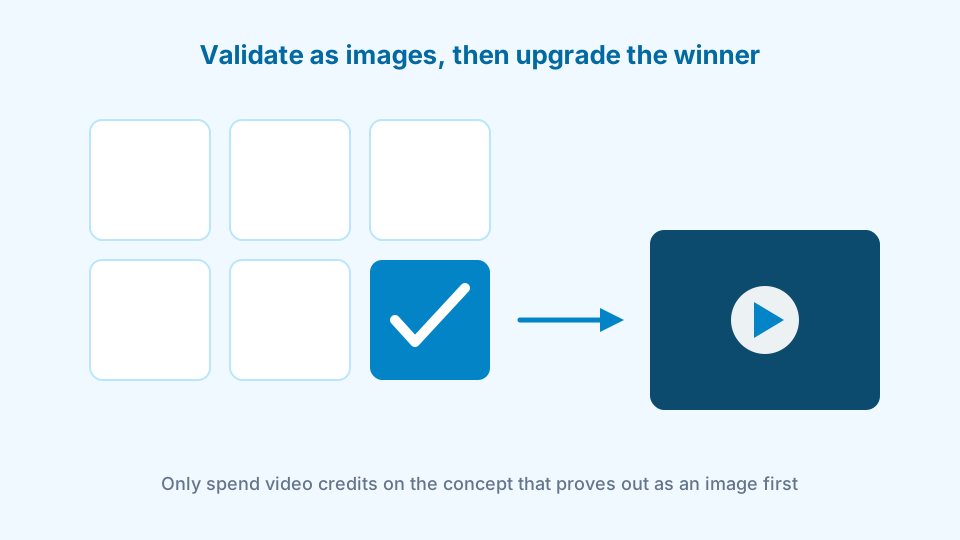
TrendVis generates 6 distinct creative angles based on your goal — each grounded in real content patterns that perform on social. These aren't random suggestions; they're structured creative directions with a clear rationale behind each one.
Before committing to video, test each direction as a static image at a fraction of the cost. This image-first approach lets you validate which concept resonates before spending credits on full generation. Only the winner gets upgraded. See how credits are priced.
Most performance marketers find this step alone pays for the entire subscription — validating creative direction cheaply before it goes into paid ad spend.
Generate Your Video & Export
Kling AI generation · Download · Publish
Once you've validated your direction with images, TrendVis sends an optimized prompt to the Kling AI model and produces a high-quality product video — with motion, pacing, and framing tailored to your target platform.
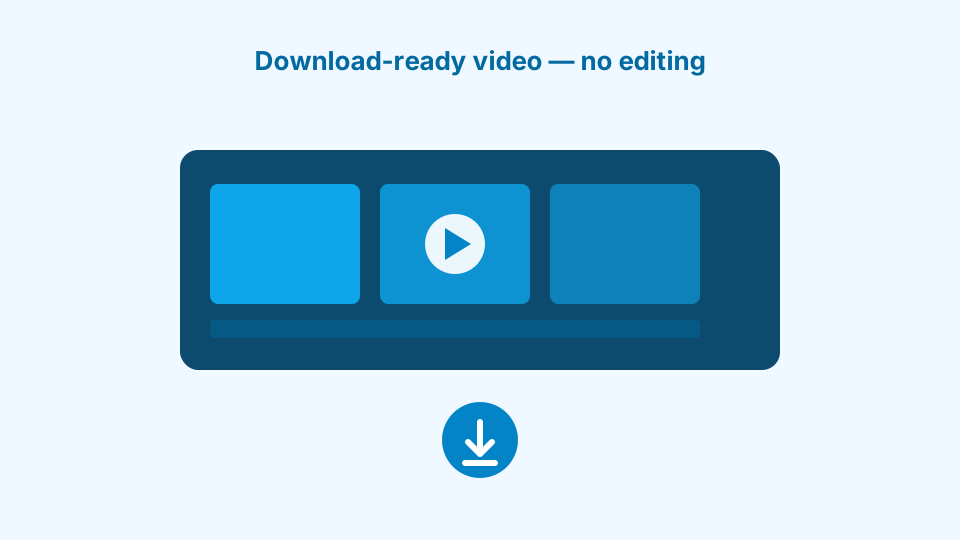
The model generates the clip in minutes. Download the finished asset and post directly, or pull it into your existing ad workflow. No editing software, no post-production pipeline, no designer needed.
From goal definition to a platform-ready video in one session — that's the workflow. You can see example outputs to understand what the end result looks like before starting.
Who Gets the Most Value from Kling AI Video
Not every team has the same need. Here's how different roles inside DTC brands use this workflow to solve specific problems.
Performance Marketers
Facebook · TikTok · Meta Ads
Social Media Managers
TikTok · Instagram · Reels
Brand & Creative Teams
Brand campaigns · Product launches
Common Use Cases for DTC Video Ads
AI-powered video generation works best when paired with a clear creative strategy. Here's how brands across categories apply the workflow.
For a deeper look at how DTC teams apply this, read the full DTC use case guide.
Product Launch Videos
Most PopularTikTok · Instagram · YouTube Shorts
Turn a single product photo into a cinematic launch video in minutes. No studio, no casting, no post-production delay. Ship content on launch day, not two weeks later.
Facebook & TikTok Ad Creative
High ROIPaid social · A/B testing
Generate multiple video variants with different creative angles and run them as paid ads. Find the winner fast without spending a production budget on every concept.
Lifestyle & Brand Videos
Brand AwarenessOrganic social · Brand awareness
Animate product photos in lifestyle settings, adding natural motion to make static shots feel alive, aspirational, and worth stopping to watch in a crowded feed.
Seasonal Campaign Content
Time-SensitiveHoliday · Flash sales · Trends
Rapidly produce holiday and seasonal content to match trends while they're still driving engagement — not after the wave has already passed your brand by.
Why Use TrendVis Instead of the Raw Model?
The Kling AI model is powerful on its own. But raw access still requires you to know what to generate, how to prompt it, and which direction to test first. Most DTC teams don't have that expertise — and they shouldn't need it.
TrendVis adds the strategy layer that turns a powerful generation tool into a repeatable creative production system. The full workflow explanation covers exactly how each step reduces guesswork and improves output quality.
| Feature | Kling AI (direct) | TrendVis |
|---|---|---|
| Creative direction & angles | ✗ | ✓ |
| Image-first testing before video | ✗ | ✓ |
| Trend-based prompt strategy | ✗ | ✓ |
| Brand kit integration | ✗ | ✓ |
| Kling AI video generation | ✓ | ✓ |
| No prompting skills needed | ✗ | ✓ |
| DTC-specific workflow | ✗ | ✓ |
Ready to see what your product looks like as a video? Start a free session in the studio.
Frequently Asked Questions
For pricing details, see the full plans page.
Does TrendVis use the official Kling AI model?
Yes. TrendVis integrates the Kling AI model through its official API. You get the same generation quality as the official platform, wrapped in a DTC-optimized creative workflow that handles prompt strategy and creative direction automatically.
How long does a Kling AI video take to generate on TrendVis?
Most videos are ready in 1–3 minutes depending on length and resolution. TrendVis queues jobs automatically and shows real-time progress so you can track generation without refreshing.
Can I use Kling AI for product photos without a model or actor?
Yes. The Kling AI model excels at animating product-only shots — adding subtle motion, natural camera movement, or environmental effects to make your product feel alive without any shooting session or human subject.
How much does it cost to generate a Kling AI video on TrendVis?
TrendVis uses a credits system. Kling AI video generation costs a small number of credits per clip. Plans start at $29/month with enough credits for multiple video campaigns. Image testing before video costs a fraction of that.
Is Kling AI good for TikTok and Instagram Reels?
Yes. Kling AI is specifically strong for short-form vertical video. TrendVis optimizes aspect ratio, pacing, and motion style for TikTok and Instagram Reels by default when you select those platforms in the workflow.
What product types work best with Kling AI video generation?
Kling AI performs well across most product categories — beauty, apparel, food and beverage, accessories, and home goods. Its physics simulation makes it particularly strong for products where material texture and fluid motion matter.
Explore More AI Video Models on TrendVis
TrendVis supports multiple generation models. Each has different strengths depending on your product type and creative goal.
Start Creating AI Product Videos Today
Try TrendVis free — 10 image generations and 2 video upgrades included. No credit card required.
Get Started FreeRelated models / Compare
Next pages to crawl from Kling AI Video Generator
Compare adjacent AI models, then return to the complete model hub when you need the full TrendVis map.