Real Kling cost data
Kling AI Pricing: Real Costs for 5s, 10s, 15s, and 720p
Kling AI pricing is not one number. TrendVis has local data for FAL Kling v3 Pro, Kie Kling 3.0, 720p savings, and user-facing credit routes.
The short version: old FAL Kling v3 Pro planning is about $2.25-$3.00 for 15 seconds, with observed spend around $2.50. The configured Kie Kling 3.0 route is $0.50 for 5 seconds or $1.00 for 10 seconds. Dropping FAL Kling v3 to 720p is estimated at $1.75 for 15 seconds.
Kling AI Pricing Table
These rows come from local TrendVis cost analysis, API analysis, integration notes, and the current video credit configuration. The page keeps FAL v3 Pro and Kie Kling 3.0 separate because their costs are different.
| Kling route | Cost/sec | Clip cost | Render record | Resolution | What it means |
|---|---|---|---|---|---|
| Kling v3 Pro via FAL, 15-second benchmark | $0.15-$0.20/sec | $2.25-$3.00 / 15s | No FAL v3 render-time number recorded | 720p and 1080p tested | This is the model-cost range from the video cost analysis. The same source records actual spend at about $2.50 per 15-second video. |
| Observed current Kling v3 Pro spend | $0.167/sec derived from $2.50 / 15s | $2.50 / 15s | No FAL v3 render-time number recorded | Current 15s planning baseline | This is the practical number used in TrendVis cost math when comparing Kling against Luma, Seedance, and Runway. |
| Kling v3 Pro via FAL, duration API analysis | $0.224/sec | $1.12 / 5s; $2.24 / 10s | No FAL v3 render-time number recorded | 5s and 10s text-to-video routes | The API analysis records the no-audio FAL route at $0.224 per second for 5-second and 10-second generation. |
| Kie Kling 3.0, Video Cinematic 5s | $0.10/sec | $0.50 / 5s, 125 credits | ~134s integration test; 240s queue estimate | 768P | The integration plan records Kling 3.0 as stable at $0.50 with about 134 seconds of generation time. The current credits config budgets 240 seconds for the user-facing 5-second Cinematic route. |
| Kie Kling 3.0, Video Cinematic 10s | $0.10/sec | $1.00 / 10s, 250 credits | 480s queue estimate | 1080P | The studio video resolver routes 10-second Cinematic output to Kling 3.0 at 1080P with 250 credits and $1.00 underlying cost. |
| Kling v3 Pro lowered to 720p | $0.117/sec derived from $1.75 / 15s | $1.75 / 15s estimate | No render-time number recorded | 720p | The cost analysis says dropping Kling v3 to 720p saves about 30-40%; its summary table uses $1.75 for a 15-second output. |
Kling AI Pricing Verdict
Use Kie Kling 3.0 for short direct video
At $0.50 for 5 seconds and $1.00 for 10 seconds, the configured route is the cleanest current Kling cost inside TrendVis.
Use FAL Kling v3 Pro carefully
The 15-second benchmark is $2.25-$3.00, with observed spend around $2.50. It is not the cheap route for unvalidated concepts.
Use 720p when social delivery is enough
The source estimates $1.75 for a 15-second 720p Kling v3 output, saving about 30% against the observed baseline.
Kling AI Pricing for 100 Clips
This is where Kling pricing stops being abstract. A 100-clip month makes model choice and image-first validation visible in dollars.
100 FAL Kling v3 Pro clips at observed 15s cost
Raw spend
$250
100 x $2.50
This is the practical baseline if every concept becomes a 15-second Kling v3 Pro video.
100 FAL Kling v3 Pro clips at documented range
Raw spend
$225-$300
100 x $2.25-$3.00
The source range is wide enough that workflow guardrails matter before bulk generation.
100 Kling v3 Pro 720p clips
Raw spend
$175
100 x $1.75
720p saves about $75 versus the observed $250 baseline for 100 social-ready clips.
100 Kie Kling 3.0 5s Cinematic clips
Raw spend
$50 / 12,500 credits
100 x $0.50
The configured 5-second route is much cheaper than the old 15-second FAL benchmark.
100 Kie Kling 3.0 10s Cinematic clips
Raw spend
$100 / 25,000 credits
100 x $1.00
The 10-second route doubles the 5-second cost but stays below FAL v3 15-second spend.
How to Lower Kling AI Pricing Without Guesswork
Validate as images before paying for Kling video
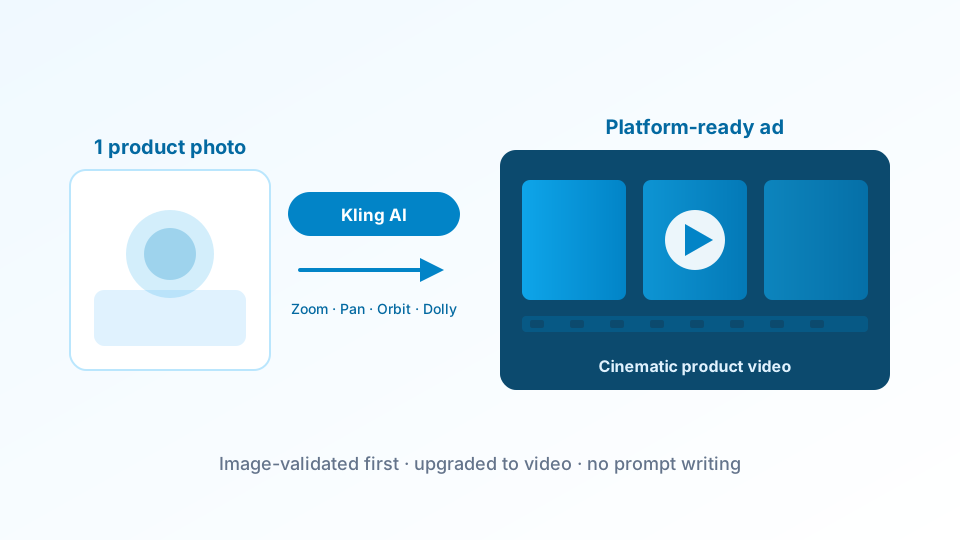
TrendVis is built around image-first testing. Use the cheaper image stage to find the winning angle, then spend Kling video credits only on concepts worth animating.
See TrendVis credit pricingCompare Kling against lower-cost model routes
The same local cost benchmark lists Luma at $1.20-$1.80 per 15 seconds and Seedance 2.0 at about $1.95 per 15 seconds. Use Kling when cinematic output or direct text-to-video is worth the premium.
Compare Kling vs LumaUse 720p when the destination is paid social
The cost analysis says 720p is enough for many social-media placements and can save 30-40% on Kling v3 Pro.
See Kling vs Runway 720p notesRelated Pricing and Model Pages
FAQ
How much does Kling AI cost per second?
The local docs record two relevant Kling numbers. FAL Kling v3 Pro is listed at about $0.15-$0.20 per second in the cost analysis, while the API analysis records a $0.224/sec FAL duration route. TrendVis Kie Kling 3.0 is configured at $0.50 for 5 seconds and $1.00 for 10 seconds, which works out to $0.10/sec.
How much is a 15-second Kling AI video?
The video cost analysis lists Kling v3 Pro at $2.25-$3.00 for 15 seconds and records actual spend at about $2.50 per video. A 720p 15-second estimate is $1.75.
Is 720p cheaper for Kling AI?
Yes. The local cost analysis says lowering Kling v3 to 720p can save about 30-40%, and the summary table uses $1.75 for a 15-second 720p output versus the $2.50 observed baseline.
What does TrendVis charge for Kling video credits?
The current credits config maps Video Cinematic 5s to 125 credits with $0.50 underlying cost, and Video Cinematic 10s to 250 credits with $1.00 underlying cost. The public TrendVis plans start at $29/month and include monthly credits.
When should I avoid Kling AI on price?
Avoid Kling as the first step for unvalidated concepts. In the same local benchmark, Luma costs $1.20-$1.80 per 15 seconds, Seedance 2.0 is about $1.95 per 15 seconds, and the Hailuo route can be about $0.26 end to end when image-first generation is acceptable.
Keep Kling video spend behind validated concepts
TrendVis routes product teams through cheaper image tests first, then upgrades only the winning idea to Kling, Hailuo, Luma, or another video model.
Try the workflow